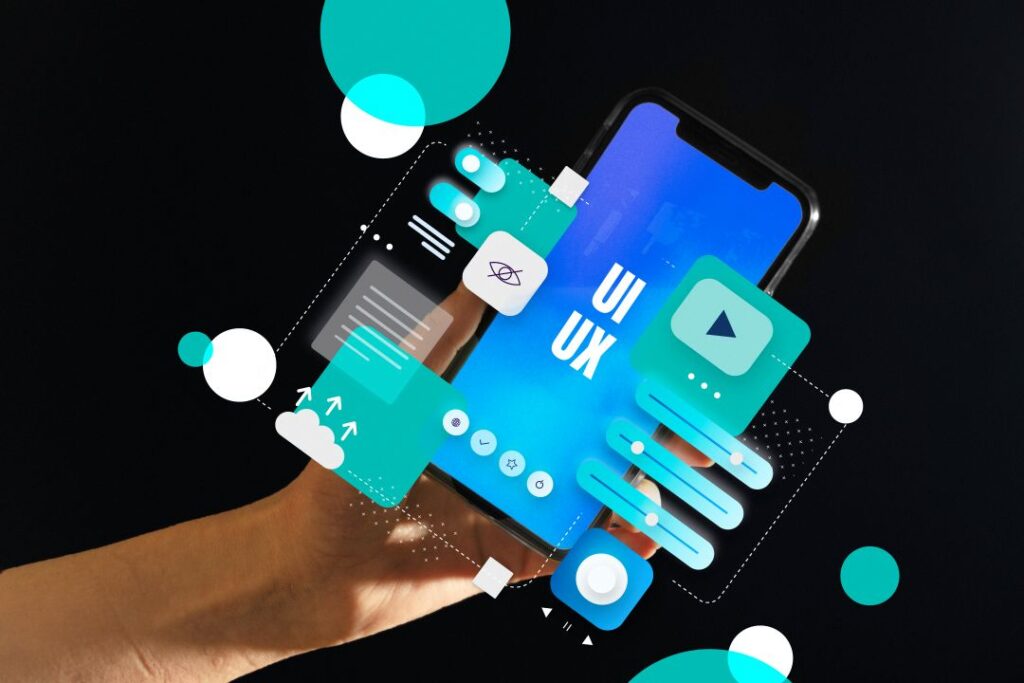
Two websites can offer the same products at the same price, yet one converts far more visitors than the other. The difference is often UI UX Design. The user interface (UI) is what people see, such as colours, typography, buttons and layout. The user experience (UX) is how it feels to use: how easily visitors find what they need and complete a task. Good design is not decoration. It is a business tool.
UI vs UX: A Simple Explanation
Think of a shop. UI is the signboard, shelves and lighting. UX is whether customers can easily find products, understand prices and pay without frustration. You need both to succeed.
The UX Design Process
- Research: understand your users, their goals and their pain points
- User journeys: map the steps from first visit to final action
- Wireframes: simple layouts that show structure and content before visual design
- Prototypes: clickable mock-ups to test ideas
- Usability testing: watch real people use the design and note where they struggle
- Refinement: improve the design based on feedback
Principles of Good UI Design
- Visual hierarchy: the most important elements stand out
- Consistency: buttons, fonts and colours behave the same way
- White space: breathing room makes content easier to read
- Readable typography with good contrast
- Clear calls-to-action that are easy to spot
- Accessibility: design that works for people with different abilities
Design for Mobile First
Because most visitors use phones, design the mobile experience first, then adapt for larger screens. Keep navigation simple and forms short.
Measuring Results
Use analytics and heatmaps to see where visitors click and drop off. Track conversions, form completion and bounce rates before and after changes.
Frequently Asked Questions
Do small businesses need UX design?
Yes. Even a simple website benefits from clear structure and easy navigation.
How many users do I need for testing?
Even five users can reveal many major usability problems.
How We Can Help
Our team at Sliver Interactive combines design and development, so what we design is practical to build, fast to load and focused on your business goals.
Related reading: Web Design.
Ready to get started? Contact Sliver Interactive today for a friendly, no-obligation discussion about your website and digital marketing goals.