
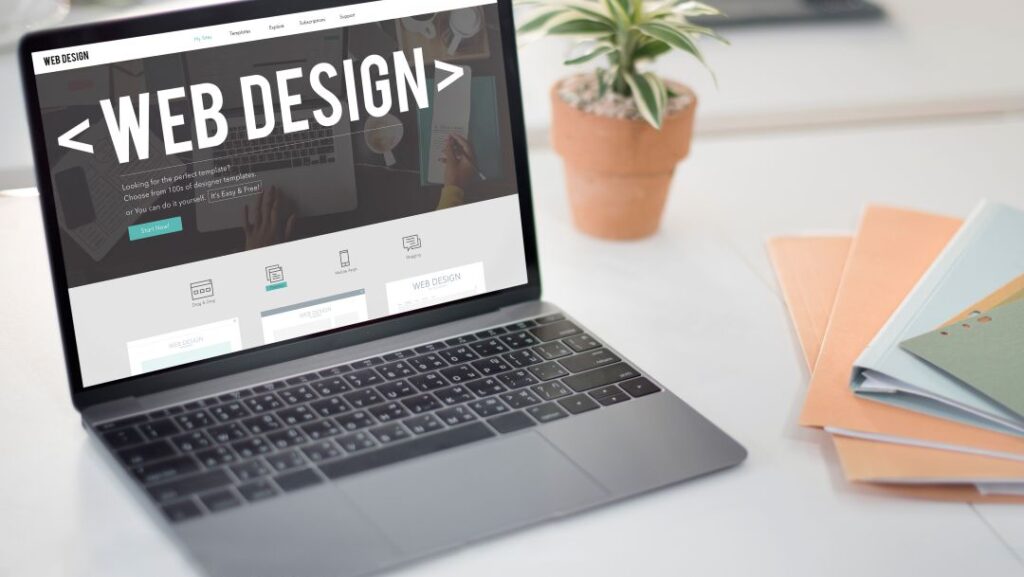
A WordPress Website powers more than 40 percent of all websites on the internet, from small company profiles to large news portals and online shops. For Malaysian businesses, the attraction is clear: it is flexible, affordable to start, and simple enough that your own team can update text, photos and products without calling a developer every time. But WordPress is only as good as the way it is built, so it helps to know what separates a fast, professional site from a slow, messy one.
Why Businesses Choose WordPress
- Ownership and freedom: you own your website and data, with no monthly platform lock-in
- Easy content management: the built-in block editor lets you edit pages visually
- Huge ecosystem: thousands of themes and plugins for forms, bookings, SEO, memberships and payments
- SEO-friendly structure: clean URLs, headings and plugins such as Yoast SEO or Rank Math
- Scalable: the same platform can grow from five pages to an e-commerce store
What a Professional WordPress Build Includes
A good build is more than installing a theme. It should cover a clear site structure, a mobile-friendly design, a lightweight theme or custom theme, only the plugins you really need, a caching setup, security hardening, SSL, backups and basic SEO settings such as titles, meta descriptions and an XML sitemap. Contact forms should be tested, and tracking such as Google Analytics should be installed before launch.
Common Mistakes to Avoid
Many slow or hacked WordPress sites share the same causes: bloated multipurpose themes, dozens of unnecessary plugins, nulled or pirated themes that contain malware, weak admin passwords, and no updates for months. Choose reputable themes, keep the plugin count low and update regularly.
Maintenance After Launch
WordPress needs ongoing care. Plan for core, theme and plugin updates, daily or weekly backups stored off the server, uptime monitoring and security scans. Skipping this is the most common reason business websites break or get compromised.
How to Prepare Before Development
Write down your goals, list the pages you need, collect your logo, photos and text, and look at three websites you like. Clear input makes the project faster and the result better.
Frequently Asked Questions
Is WordPress good for e-commerce?
Yes. With WooCommerce, WordPress can run a full online store, and it suits most small and medium shops.
Can I edit the website myself?
Yes. We can set up your pages so that you can update content easily, while keeping the design consistent.
How We Can Help
At Sliver Interactive, we build WordPress websites that are fast, secure and designed around your business goals, with training so your team can manage the content.
Ready to get started? Contact Sliver Interactive today for a friendly, no-obligation discussion about your website and digital marketing goals.